Whatever's playing, one hover away.
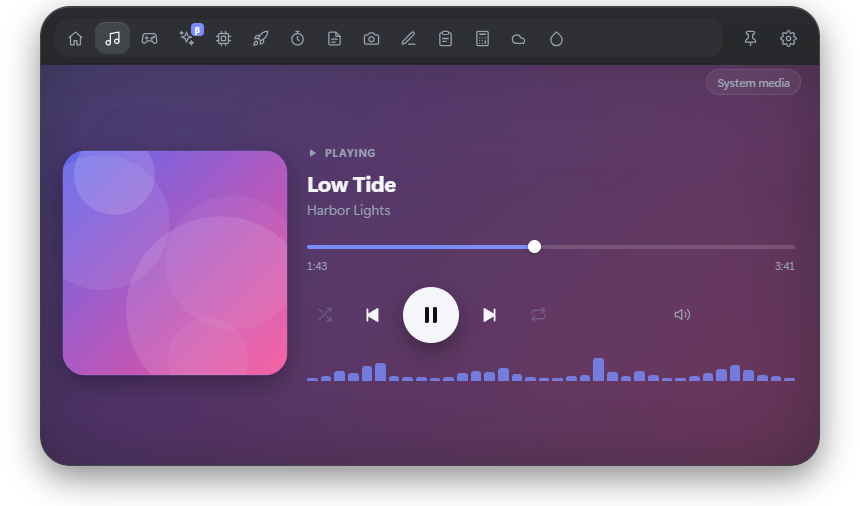
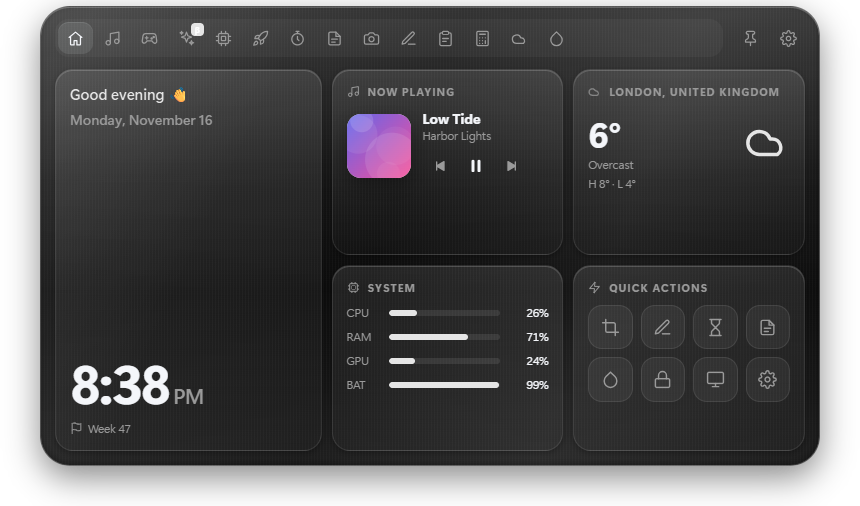
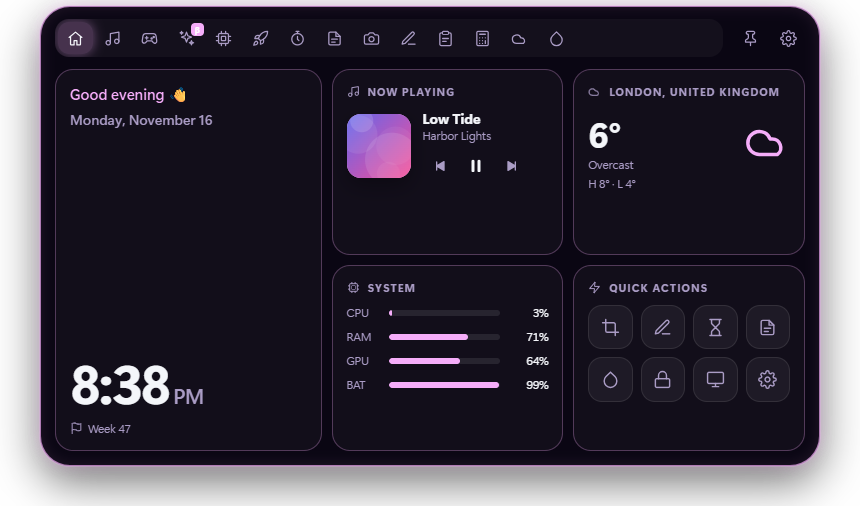
Pause, skip and scrub through the song in Spotify, your browser or any app that shows up in Windows' media controls. Connect Spotify for shuffle, repeat, volume and liking songs.
Velo is a small pill that sits above your windows. Point at it and it opens into your music, your games, your PC's vitals and a dozen other tools. Move away and it's gone.
That pill at the top of this page works the same way. Try it.
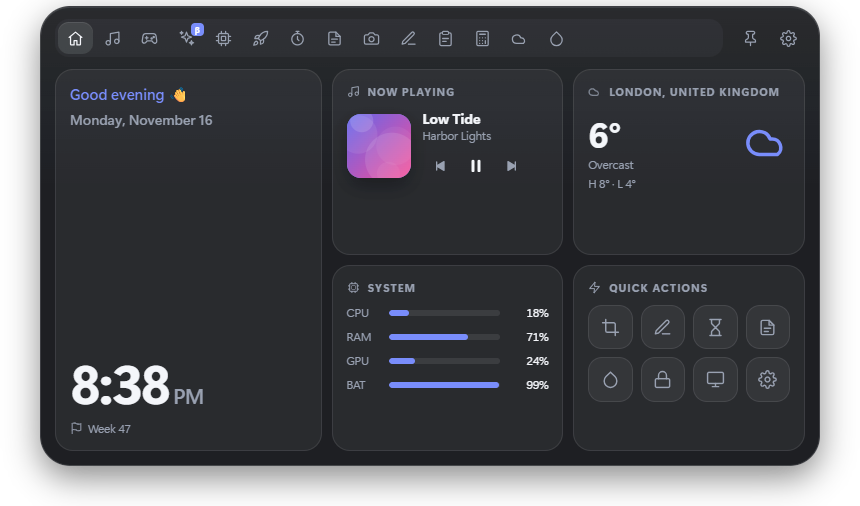
Move your mouse to the pill at the top of the screen, or press Alt Space.
Choose a tool from the row of icons. Velo remembers the last one you used.
Move away and it shrinks back to a pill. Clicks around it go straight to your apps.
Pause, skip and scrub through the song in Spotify, your browser or any app that shows up in Windows' media controls. Connect Spotify for shuffle, repeat, volume and liking songs.
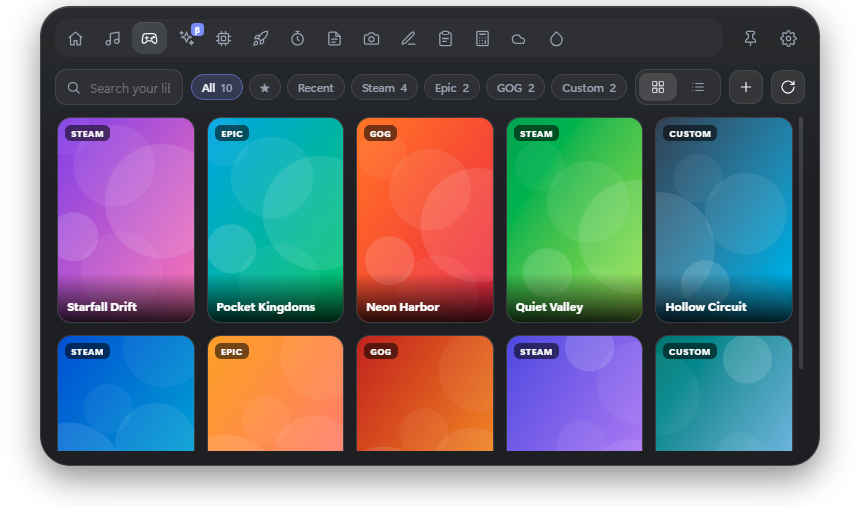
Velo finds what you've installed from Steam, Epic Games and GOG, adds anything else you point it at, and launches it in a click. Search, favourites and recently played included.
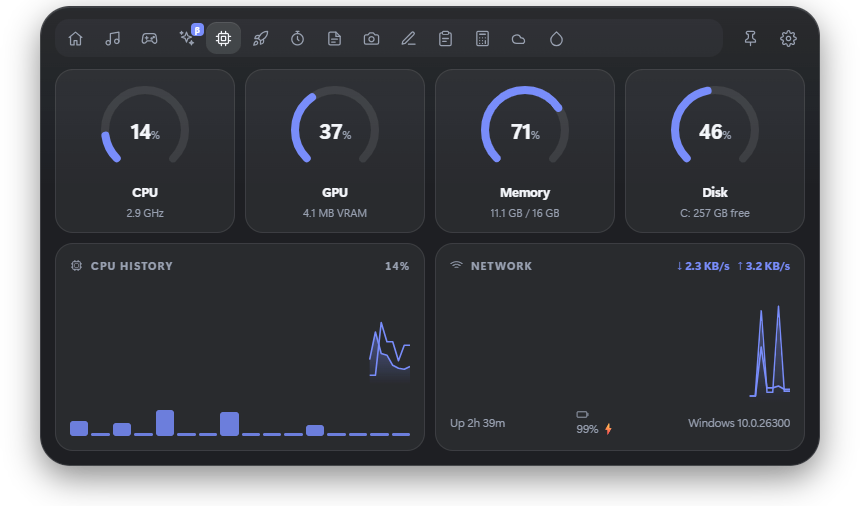
Live CPU, GPU, memory and disk, network speed and battery, without opening Task Manager.
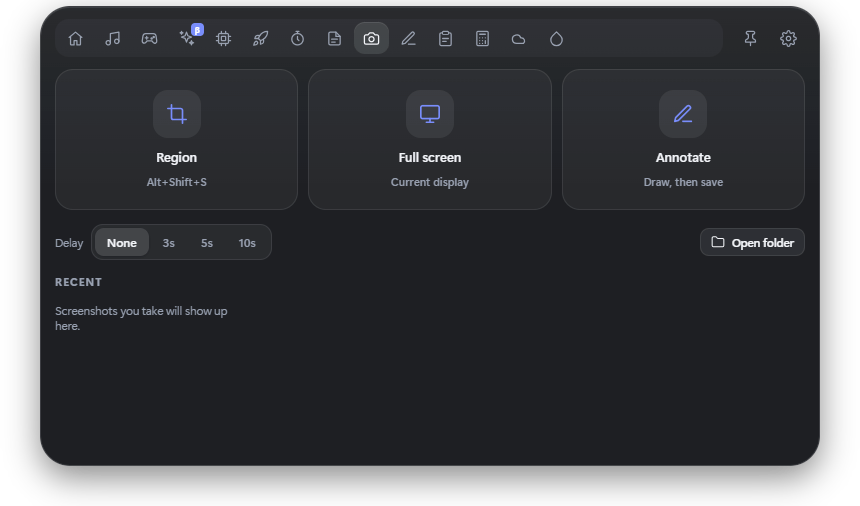
Drag over part of the screen with Alt Shift S and it's saved and copied. Press Alt Shift D to draw arrows, boxes and notes over anything.
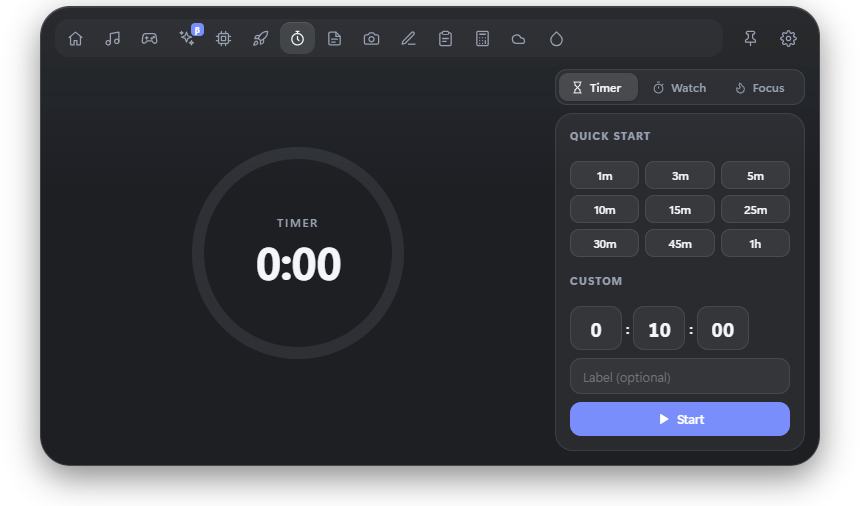
A Pomodoro timer, stopwatch and countdowns, plus notes and a to-do list that are always one hover away.
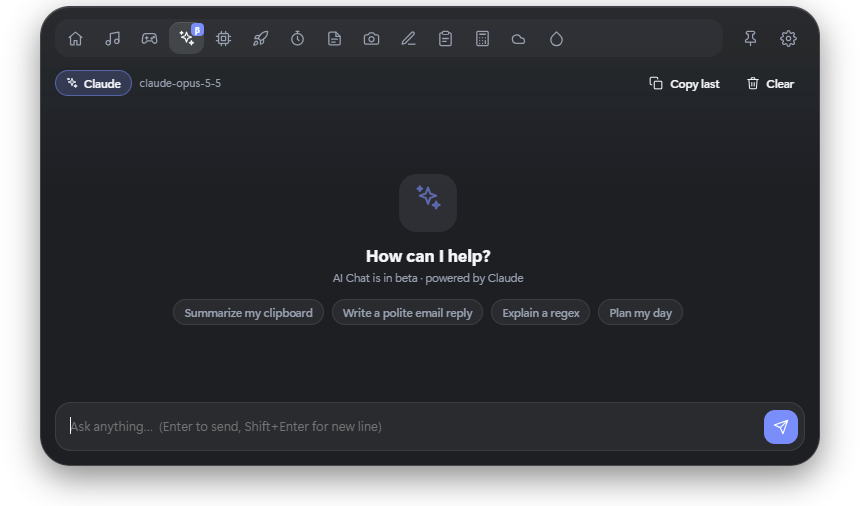
Chat with Claude right from the top of your screen. Bring your own Anthropic API key; it's stored encrypted on your PC.
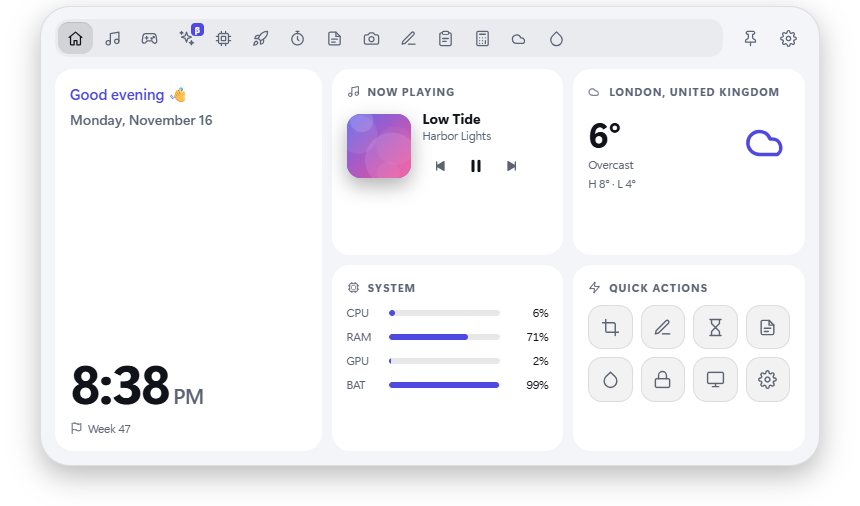
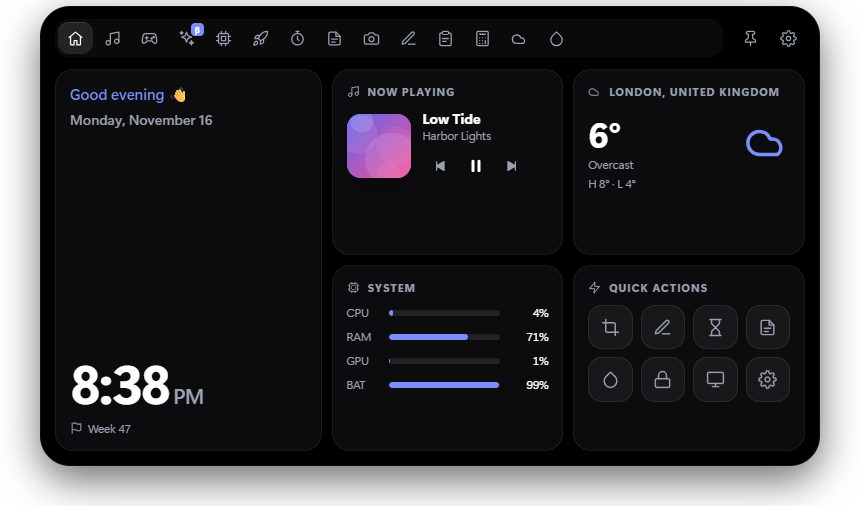
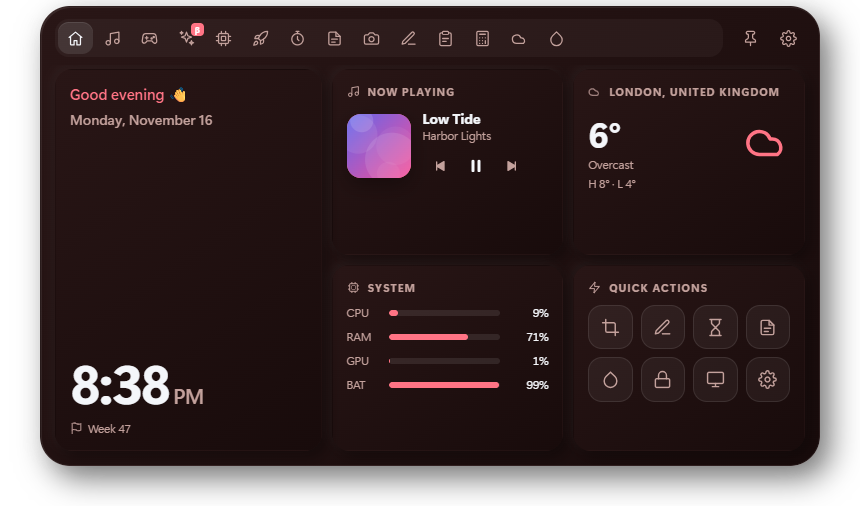
Glass, Metallic, Flat, Neon, AMOLED or Soft UI, in any theme. Then set the size, the screen it sits on and how fast it moves.
No account and no tracking. Notes, clipboard and settings never leave your machine.
Global shortcuts for opening, screenshots and drawing, all of them changeable.
Hide it during fullscreen games, shrink it to a thin line, or pin it open while you work.
Every tool, every style and all 1.x updates. Buy it here or, soon, from the Microsoft Store.